Mobile hotel check-in used to be a perk reserved for elite loyalty members at a handful of US chains. Today, guests across every age group expect it, and many will book elsewhere when it is missing. This guide walks through how the process actually works, what recent consumer data shows about who uses it and why, and how to set yourself up for a smooth arrival the next time you stay at a hotel in the United States. By the end you will know exactly how to check in from your phone, when to skip the front desk, and what to do when something goes wrong.
The shift
From convenience to baseline expectation
The pandemic accelerated a trend that was already brewing. According to the American Hotel and Lodging Associationcontactless services jumped from a nice-to-have to a top-three booking factor for US travelers in just two years. Skift Research has reported that more than 60% of US hotel guests under 40 say they prefer to check in on their phone when the option exists.
The reason is simple. Travelers compare every digital interaction to the best one they have had, usually with an airline app or a rideshare. When a hotel still asks them to queue at a counter, sign a paper folio, and wait for a plastic keycard, it feels like a step backward. Properties that offer fast, well-designed mobile hotel check in are quietly capturing the loyalty premium that used to belong to the front desk.
How mobile hotel check-in works, step by step
1. Book and link your account
Reserve through the hotel app or website and make sure your loyalty profile, payment card, and ID are saved. Most US brands need a verified account before they unlock mobile features.
2. Get the pre-arrival push
The app sends a push notification, usually the day before, asking you to confirm arrival time, request upgrades, and add extras like late checkout, parking, or breakfast.
3. Complete identity and payment
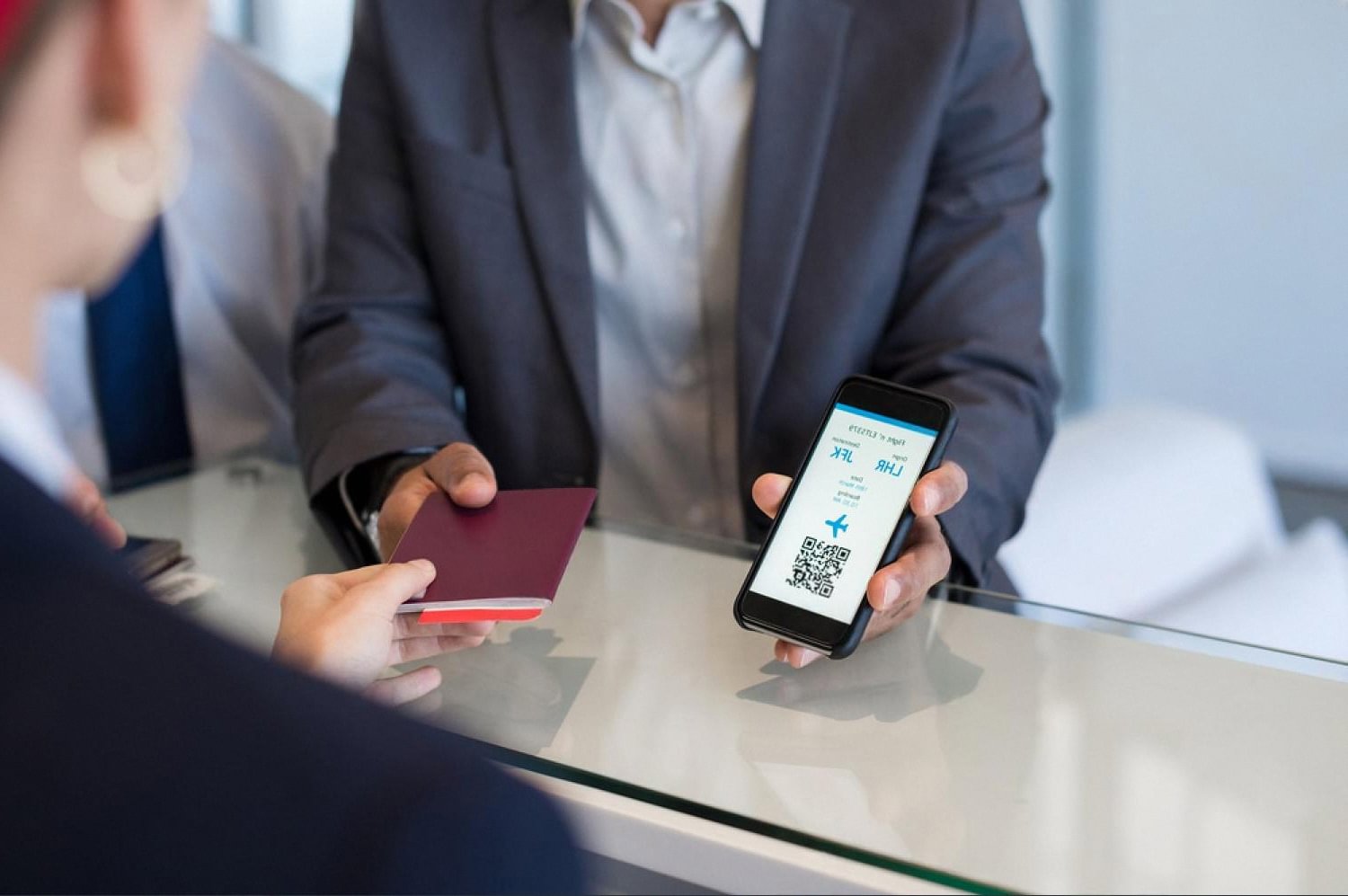
You upload a photo of your ID, take a selfie if the property uses biometric matching, and authorize the card on file. This replaces what used to happen at the counter.
4. Pick your room
Many chains now show a live floor plan. You can choose high floor, near elevator, or a specific corner unit. This is also where targeted upsells appear, like a suite for an extra fee.
5. Receive the digital key
Once your room is ready, the app delivers a digital room key over Bluetooth or NFC. Hold the phone to the lock, the door opens, and the key stays active until checkout.
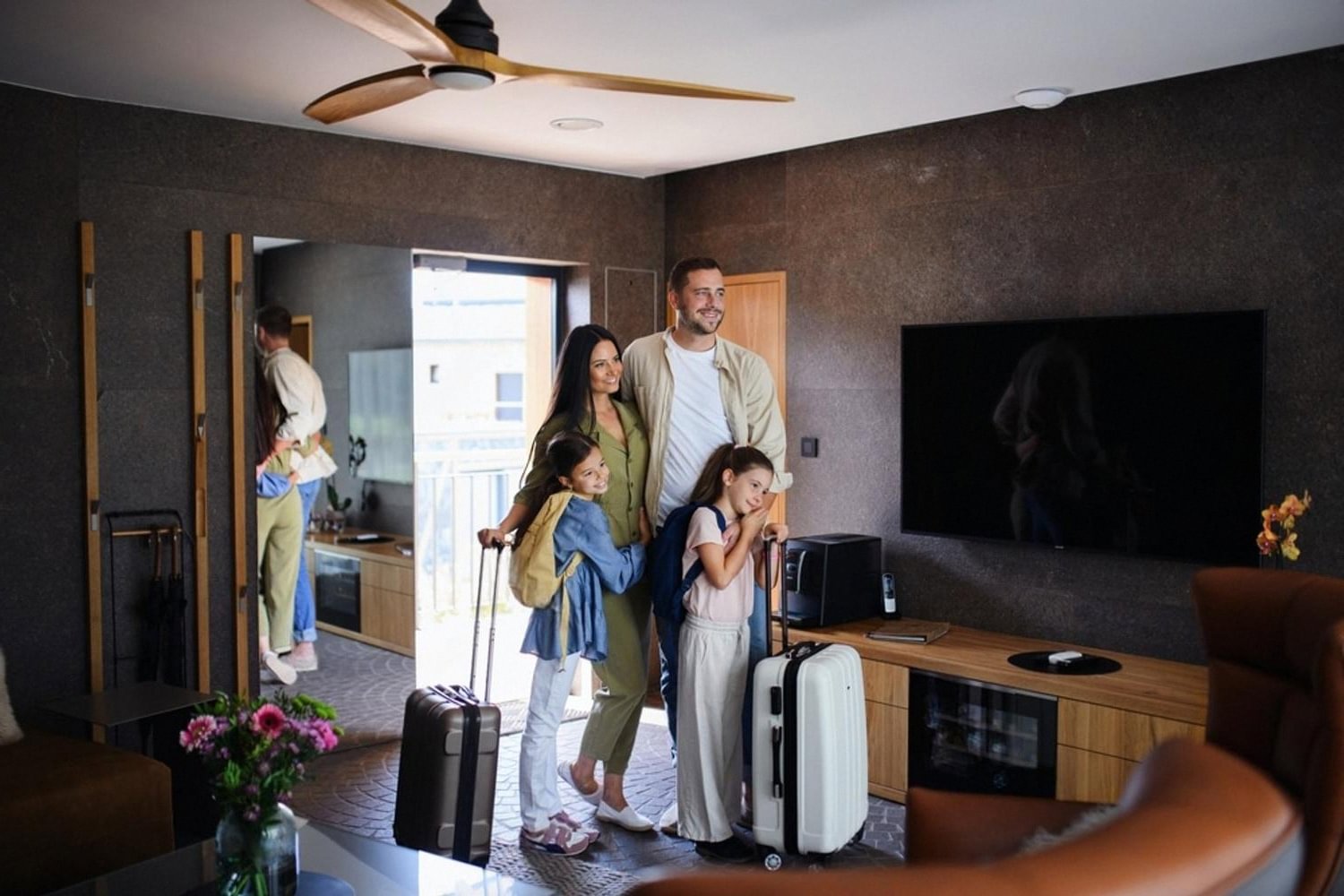
6. Skip the desk on arrival
Walk straight to the elevator. Some properties still want a quick stop for paper receipts or local taxes in cash markets, but most US flags now let you bypass the lobby entirely.
Prerequisites
What you need before you tap the button
- The brand app installed and updated to the current version
- A loyalty account with your legal name spelled the same as on your ID
- A valid credit or debit card saved in the app for incidentals
- Bluetooth enabled on your phone, and notifications turned on for the app
- A government photo ID ready to scan, US driver license or passport both work
- The reservation confirmation number, in case the app needs to re-link the stay
Who actually uses it
Generational preferences in the US market
Millennials are the largest single user group for digital keys. Surveys from Statista and Oracle Hospitality consistently put their adoption rate above 70% when the feature is available. They grew up with mobile-first experiences and resent friction that adds even five minutes to a long travel day.
Gen Z is even more decisive. Many will filter search results to only show hotels with mobile check inthe same way an older traveler might filter by free breakfast. Business travelers, across every age bracket, lean heavily into the feature because it removes the 6 a.m. arrival queue and the awkward post-flight small talk. Older leisure guests are warming up too, but they still value having a human in the lobby as a fallback.
What hotels gain when guests go mobile
Higher upsell conversion
In-app upgrade offers convert two to four times better than counter offers, because the guest has time to think and a clear price comparison on screen.
Better satisfaction scores
Properties that move at least half of arrivals to mobile typically see net promoter scores rise by single-digit points within a year, mostly from “speed of arrival” comments.
Real revenue impact
Push notifications about spa slots, dinner reservations, and last-minute room upgrades create ancillary revenue that the front desk rarely captured under the old workflow.
Troubleshooting and common questions
Mobile check-in fails more often than the marketing brochures admit, but almost every problem has a fast fix. The most common one is a digital key that will not open the door. Nine times out of ten, Bluetooth was turned off mid-trip or the app was force-closed. Toggle Bluetooth, reopen the app, and the key usually reactivates within seconds.
Identity verification is the second hiccup. If the selfie step keeps rejecting you, try better lighting and remove hats and glasses. If the ID scan refuses to read your driver license, switch to a passport, which has cleaner machine-readable data. When all else fails, the front desk can complete the same check in under a minute using your reservation number, so it is never a dead end.
- App says “room not ready”: wait for the push notification, do not refresh repeatedly. The status updates the moment housekeeping releases the room.
- Digital key disappears: log out and back in, then request a fresh key from the stay screen.
- Charges look wrong: use in-app chat first. It is faster than the lobby line and creates a written record.
- No mobile option at booking: check that you booked direct, third-party reservations are often excluded from mobile features.
Frequently asked questions
Do guests actually prefer mobile check-in?
Yes, especially among travelers under 45. Industry surveys consistently show that more than 60% of US guests in that age range pick mobile check-in when it is offered, and a smaller but growing share of older travelers do the same.
The preference is strongest among business travelers and frequent loyalty members, who value time saved over a personal greeting at the desk.
How does mobile hotel check-in actually work?
You book through the hotel app, complete ID verification and payment authorization the day before arrival, and receive a digital key once your room is ready. The phone then acts as the room key over Bluetooth or NFC.
Most major US brands, including Hilton, Marriott, Hyatt, and IHG, follow some version of this same flow, with small differences in upsell screens and key technology.
Can you really skip the front desk entirely?
At most large US hotels, yes. Once your digital key loads, you can walk from the entrance to the elevator without stopping. A few resort properties and boutique hotels still require a quick lobby visit for resort fees, parking validation, or a welcome amenity, but the trend is clearly toward zero-desk arrivals.
Is mobile check-in safe for personal data?
The major brand apps use encrypted storage for ID images and payment data, and they typically delete the ID scan within a short window after departure. As with any app, the bigger risk is your own device, so use a passcode, keep the app updated, and avoid public Wi-Fi when uploading sensitive documents.
What if my phone dies during my stay?
The front desk can issue a traditional plastic keycard at any time using your ID and reservation number. Many properties also offer charging stations in the lobby, and digital keys are tied to your account, so they reactivate as soon as your phone is back online.
Do all US hotels offer mobile check-in?
Not yet. Coverage is strong across the major chains in cities and at airports, weaker in independent hotels, small inns, and properties in rural markets. When the feature matters to you, filter by it during booking or check the brand app before you confirm the reservation.
Does mobile check-in cost extra?
No. It is free at every major US brand that offers it. The hotel benefits from lower staffing pressure and higher upsell conversion, so the incentive is to make the option as appealing as possible, not to charge for it.

Hiking addict, ramen eater, fender owner, Saul Bass fan and javascripter. Acting at the fulcrum of beauty and computer science to give life to your brand. My opinions belong to nobody but myself. Tropical swift lover.